Loading...
Nexus
Start Tracking
Nexus API

Welcome to the NEXUS API. This REST API powers Smartstock's data services. It uses JSON for requests & responses and JWT for authentication. For ease of use, place this calls in a fetch command on your frontend js.

Quick Start
  1. Obtain an API key via Creating a Smartstock Account
  2. Call endpoints with Authorization: Bearer <access_token> for terminal sessions.
  3. Call endpoints with Authorization: "Bearer access_token" for frontend Javascript requests.
How to API
Authentication

In order to get the access and refresh code for JWT authentication, you require an api_key. It can be gotten in various ways

GET/api_key/

// Response
{
  "api_key": "3e686ee..",
}

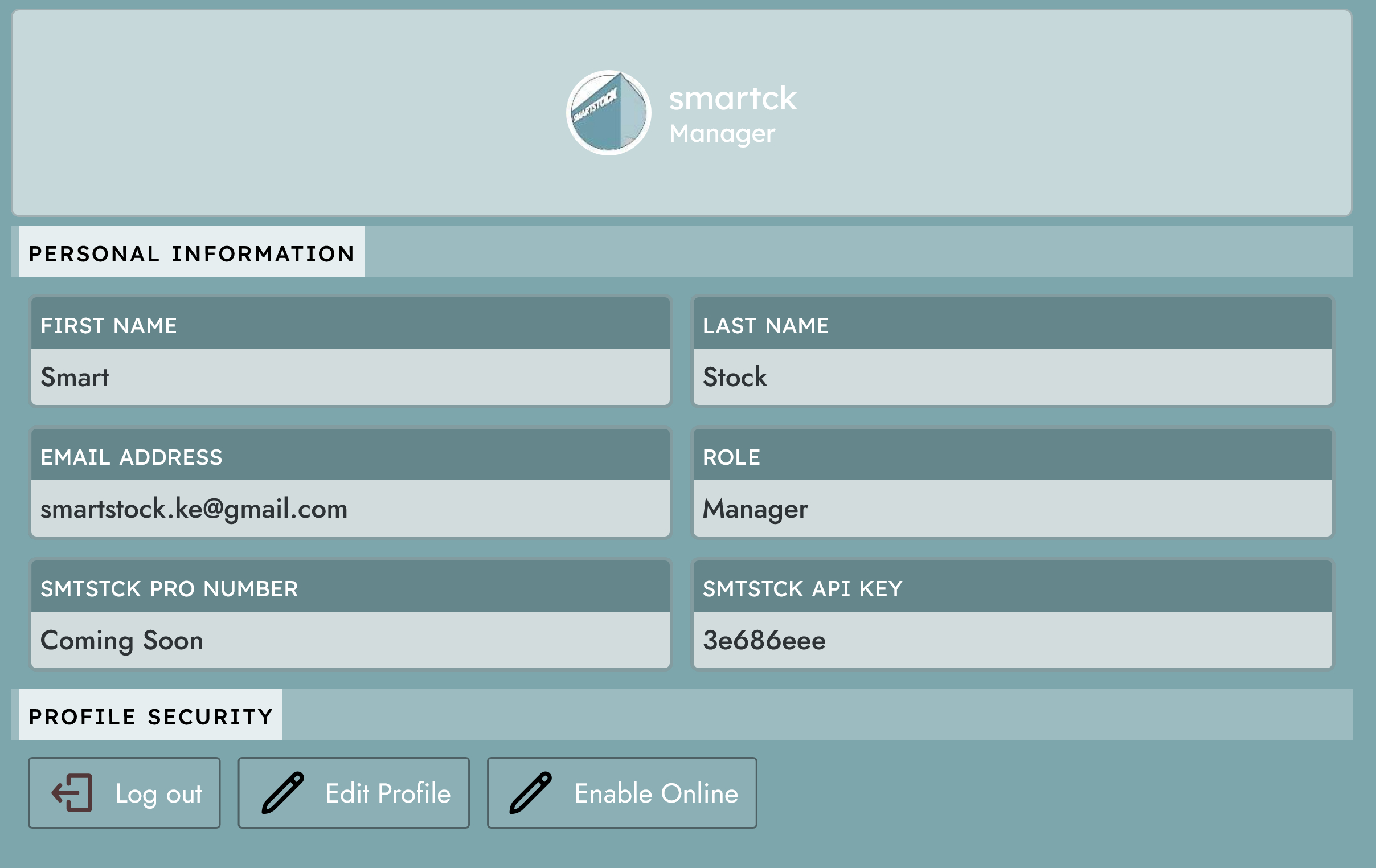
Also access the API key on your profile page.

VIEWapi key
Find the API key on your profile page

Now with the API key request JWT Tokens through the Token endpoints.

GET/token/


{
  "api_key": "3e686ee..",
}

// Response
{
  "access": "eyJhbGciOi...",
  "refresh": "eyJ0eXAiOi..."
}

Success you can now call our Nexus API with the access token.

Endpoints
Endpoints

Various endpoints are only helpful with data appended to it, since they are bound to the shop you are requesting the API from. In order for the API endpoints to return valid json response you require to have already implimented these on your shop

  1. Created a working Shop
  2. Created Variables in your shop.
  3. Created Forms for the variables.
  4. Hired valid employees in your shop.
  5. Created products in your shop.

With these actions you will be able get valid responses from the API call

Endpoints API - BASE URL(nexus.smartstock.africa)

1. Currency

GET/shop/employees/ List

Returns a json list of employess employed in your shop with their respective profile photo as a url, and their Smartstock username

fetch("https://../shop/employees/",
{headers: {Authorization: "Bearer access_token"}})"

Response

{
  "employeeName": employee_name,
  "profilePhoto": "https://..",
  "employeeUserName": employee_username,
}

2. Variables

GET/variable/checkVariable/ List

Returns a json list of variables created in your shop, comprising of its id, name and description only.

fetch("https://../variable/checkVariables/",
{headers: {Authorization: "Bearer access_token"}})"

Response

{
  "id": variable_id,
  "shopVariableName": "variable_name",
  "shopVariableDescription": "description",
}

3. Forms

GET/forms/getForms/ List

Returns a json list of forms created in your shop, comprising of its id, name and description only.

fetch("https://../variable/checkVariables/",
{headers: {Authorization: "Bearer access_token"}})"

Response

{
  "id": form_id,
  "formName": "form_name",
  "formDescription": "form_description",
}

4. Products

GET/products/getProducts/ List

Returns a json list of products created in your shop, comprising of its id, signature, name, attributes and its sku number only.

fetch("https://../product/getProducts/",
{headers: {Authorization: "Bearer access_token"}})"

Response

{
  "id": product_id,
  "ssh": "eyJza3VfY2...",
  "product_name": "product_name",
  "product_attributes": {
    "attribute_key": "attribute_value"..
  },
  "sku_code": "sku_code"
}
API Settings
Rate Limits
  1. API calls are throttled to a maximum of 50 requests per minute for authenticated users.
  2. Since our API endpoints require authenticated requests, the endpoints cannot be called by anonymous users.